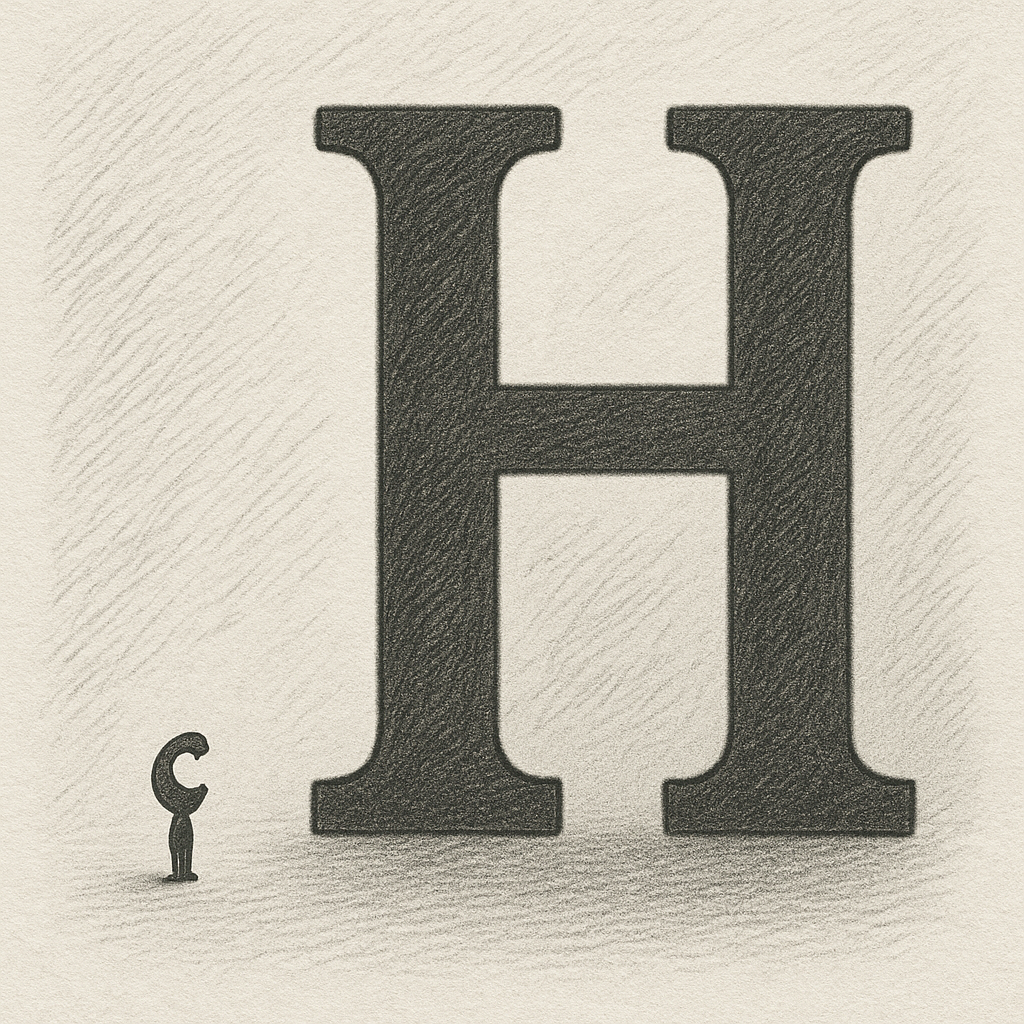
Non-Linear Font Scaling: When “Bigger” Isn’t Always Better
Imagine you have two fonts on the screen, a heading at 32px and a caption at 10px. Both are too small to read so you increase the size 300%. The heading is now 96px and obliterating your page layout while the caption (now at 30px) is still smaller than the heading ever was to begin with.
Is this accessible?
Around a 10 minute read
I had the chance to speak at CSUN last March, and one of the (many) great sessions I had an oppotunity to sit in on was a demo from the folks at Google that completely rearranged how I think about typography on the web. They were showing off a new, non-linear font scaling feature in Android: basically, when you bump up text size, the smaller fonts get a bigger boost than the large ones. Nothing scales evenly, but that’s the whole point.
The brilliance of its simplicity was one of those textbook "aha" moments that couldn’t have come at a better time. I’d been experimenting with ways to make type more adaptable for accessibility, but until then, I’d been stuck in a “turn the dial and everything grows” kind of mindset. I’d never really questioned whether uniform scaling made sense, I was too wrapped up in trying to design the "perfect" way to make it happen. But, uh, spoiler: it doesn’t.
Before that realization, my approach was pretty straightforward: leverage CSS variables and a calc() function to create a type scale stylesheet that also applied a global “--a11y-font-size-modifier” to every font-size on the site.
:root {
  --a11y-font-size-modifier: 1;
  --font-size-xs: calc(10px * var(--a11y-font-size-modifier));
  --font-size-sm: calc(13px * var(--a11y-font-size-modifier));
  --font-size-md: calc(16px * var(--a11y-font-size-modifier));
  --font-size-lg: calc(22px * var(--a11y-font-size-modifier));
  --font-size-xl: calc(32px * var(--a11y-font-size-modifier));
}
If a user wanted larger text, I’d just flip a data attribute on the <html> tag, and the whole site would scale up instantly:
html[data-a11y-font-size="large"] {
  --a11y-font-size-modifier: 2;
}

html[data-a11y-font-size="extra-large"] {
  --a11y-font-size-modifier: 3;
}
It was in it itself a pretty elegantly simple solution to what can become a complicated UX feature, and it totally worked... mostly. But it also meant tiny captions that were already struggling to be legible could easily still be too small, even at max zoom. Meanwhile, headlines would turn into highway billboards, breaking layouts left and right. It was a classic accessibility trade-off: fix one thing, make five new problems.
But the fix wasn’t complicated at all. I didn’t need a smarter function; I needed more modifiers. Instead of a single global multiplier, I could create separate ones for each size tier.
So, say you have a standard type scale. Something like 10px for captions, 14px for body copy, 18px for subtitles, 24px for section headings, and 36px for main titles. Instead of a singular "a11y-modifier", now we have distinct modifiers in the calculations that define our font sizes:
root: {
  --a11y-font-size-xs-modifier: 1;
  --a11y-font-size-xs: calc(10px * var(--a11y-font-size-xs-modifier));

  --a11y-font-size-sm-modifier: 1;
  --a11y-font-size-sm: calc(14px * var(--a11y-font-size-sm-modifier));

  --a11y-font-size-md-modifier: 1;
  --a11y-font-size-md: calc(18px * var(--a11y-font-size-md-modifier));

  // Etc...
}
Each font size in this system can be scaled independently by its own ratio. Captions can be tripled or even quadrupled until they’re genuinely legible to someone who needs that level of assistance. Meanwhile, the largest headings might just get a gentle nudge. The result: balance. Readability is drastically improved without the layout falling apart.
html[data-a11y-font-size='large'] {
    --a11y-font-size-2xs-modifier: 2;
    --a11y-font-size-xs-modifier: 1.9;
    --a11y-font-size-sm-modifier: 1.85;
    --a11y-font-size-md-modifier: 1.75;
    --a11y-font-size-lg-modifier: 1.5;
    --a11y-font-size-xl-modifier: 1.25;
}
The beauty of this approach is how natural it feels. Headlines still read like headlines, paragraphs still feel proportionate, and captions finally stop whispering. It’s subtle and I think that’s what makes it powerful.
That’s the real shift for me: accessibility isn’t just about making things bigger or louder. It’s about making them accessible. On the nose? Sure. But different users needing different things doesn’t have to mean they don't also deserve visual harmony. Experiences can be both accessible and thoughtfully designed. They aren't mutually exclusive things.
Non-linear font scaling changed how I think about typography, but also how I think about adaptation in general. It’s not about pushing everything in one direction; it’s about giving each part of the system room to move in the way that best serves the user. It’s one of those small, elegant adjustments that makes the whole experience feel more intuitive and intentional - and it reminds me that accessibility isn’t an extra layer. It’s design done right.
Want to see it in action? Check it out